Adobe Photoshop Complete Course | Beginner to Advanced
Course Description
Adobe Photoshop is the world's most powerful and widely used photo editing and graphic design software. It is trusted by photographers, graphic designers, digital artists, marketers, social media creators, web designers, and creative professionals around the globe. From photo retouching and image manipulation to social media graphics, web banners, advertisements, and digital artwork, Photoshop is the industry standard for professional design and editing.
The Adobe Photoshop Complete Course (Beginner to Advanced) is designed to take you from absolute beginner to professional Photoshop expert. Every lesson is explained step-by-step in simple Urdu and Hindi, making it easy for anyone to master Adobe Photoshop without any language barrier.
Whether your goal is to become a Graphic Designer, Photo Editor, Digital Artist, Social Media Designer, Freelancer, Web Designer, or Creative Professional, this course provides practical editing skills, real-world projects, and industry-standard workflows that you can apply immediately.
📘 What You Will Learn
After completing this course, you will be able to:
✅ Understand the complete Adobe Photoshop interface and workspace
✅ Install and configure Adobe Photoshop professionally
✅ Create and manage documents, layers, and artboards
✅ Master selection tools and object selection techniques
✅ Learn cropping, resizing, and image transformations
✅ Perform professional photo retouching and skin smoothing
✅ Remove backgrounds and replace objects seamlessly
✅ Restore old and damaged photographs
✅ Work with adjustment layers, masks, and blending modes
✅ Create stunning text effects and typography designs
✅ Design social media posts, YouTube thumbnails, banners, and advertisements
✅ Create flyers, posters, brochures, business cards, and marketing materials
✅ Use Smart Objects, Filters, Camera Raw, and Layer Styles
✅ Perform advanced photo manipulation and composite editing
✅ Explore AI-powered Photoshop tools including Generative Fill, Remove Tool, and Adobe Firefly features
✅ Optimize images for print, websites, and social media
✅ Complete professional graphic design and photo editing projects from start to finish
✅ Build a strong portfolio for freelancing and client work
💻 Who Should Enroll?
This course is perfect for:
🎓 Students
📸 Photographers
🎨 Beginner Graphic Designers
🖌️ Digital Artists
📱 Social Media Managers
📢 Digital Marketers
🧑💻 Freelancers
🏢 Business Owners
🌱 Anyone who wants to master Adobe Photoshop professionally
🧩 Course Prerequisites
No previous Photoshop or graphic design experience is required.
You only need:
💻 Windows PC or macOS computer
🖥️ Adobe Photoshop installed
🌐 Basic computer knowledge
🎨 Interest in photo editing and graphic design
💡 Willingness to practice and learn
📱 System Compatibility
Learn anytime, anywhere.
This course is accessible on:
🪟 Windows PC & Laptop
🍎 macOS
🤖 Android Smartphones & Tablets (for watching lessons)
📱 iPhone & iPad (iOS devices)
💻 Desktop and Laptop for practical editing and design work
Access your lessons from desktop, laptop, tablet, or mobile whenever it's convenient.
💰 One-Time Payment – Lifetime Access
There are:
🚫 No monthly subscriptions
🚫 No hidden charges
🚫 No recurring fees
Pay once and enjoy:
✅ Lifetime access to every lesson
♾️ Unlimited video replays
📚 Learn at your own pace
⏳ No expiry date
🔄 Free Lifetime Updates
Adobe Photoshop continues to introduce powerful AI features and creative tools, and this course evolves with it.
Whenever we publish:
📚 New Photoshop lessons
🛠️ Latest software features
🤖 Adobe Firefly & AI-powered editing tools
🎨 Modern graphic design techniques
📸 Professional photo editing workflows
🚀 Industry best practices
You'll receive every update completely FREE.
No additional payments. Ever.
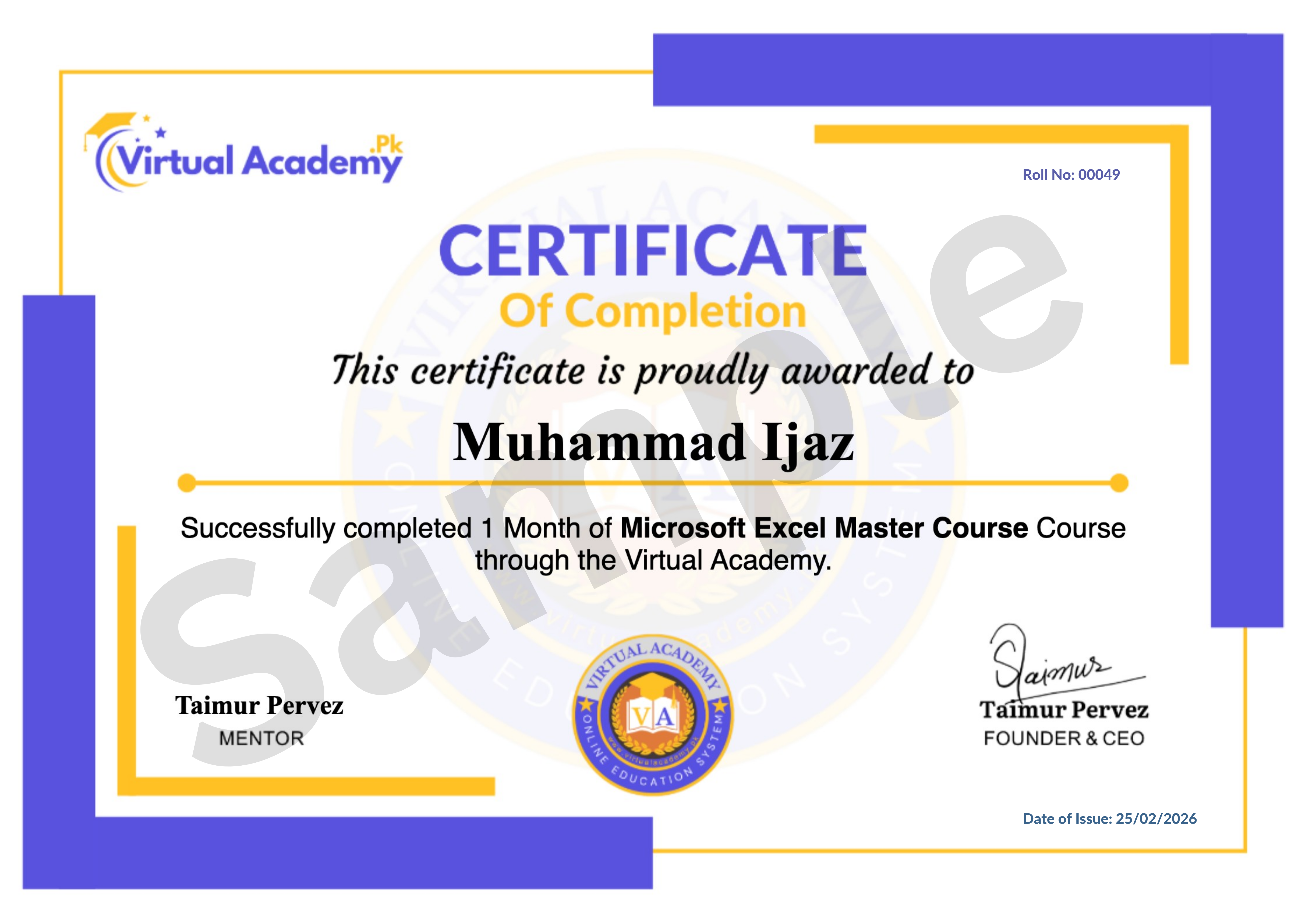
🎓 Certificate / Diploma
This course is hosted on Virtual Academy LMS.
🌐 Website:
After successfully completing the course, you'll receive a Registered Diploma/Certificate that can be added to your:
🏅 Resume
📄 CV
💼 LinkedIn Profile
🌍 Freelancing Portfolio
To receive your certificate, simply:
✅ Complete all course chapters
✅ Pass the quizzes
✅ Submit required assignments or Photoshop design projects
Your certificate will then be available for download directly from the LMS.
🚀 Why Choose This Course?
✔ Beginner to Advanced Learning Path
✔ Complete Adobe Photoshop Training
✔ Professional Photo Editing & Retouching
✔ Graphic Design & Image Manipulation
✔ AI-Powered Photoshop Features
✔ Social Media & Marketing Design
✔ Real-World Design Projects
✔ Urdu/Hindi Language
✔ Freelancing Guidance
✔ Lifetime Access
✔ Lifetime Updates
✔ Registered Certificate
✔ Learn at Your Own Pace
📞 Need Help?
If you have any questions regarding the course, enrollment process, or learning path, our team is ready to help.
WhatsApp:
⏱️ We usually respond within 30 minutes to 1 hour during working hours.
🔥 Enroll Today
Adobe Photoshop is the industry's leading software for photo editing, digital art, and graphic design. By mastering Photoshop, you'll be able to create stunning visuals, edit professional photographs, design marketing materials, and build a successful career in graphic design, digital media, or freelancing.
Start learning today and develop a valuable creative skill that can help you work with clients worldwide, grow your personal brand, or launch your own graphic design business.
One-Time Payment • Lifetime Access • Free Lifetime Updates • Registered Certificate
Start your Adobe Photoshop journey today with Virtual Academy.
Course Details
- 1: Adobe Photoshop Interface Guide
-
Chapter 01: Introduction
No Notes available for this chapter
-
Photoshop Move Tool Tutorial (Locked) 7:38 Min

-
Photoshop Align Tool Tutorial (Locked) 4:18 Min
-
Chapter 02: Basic Tools (Locked)
No Notes available for this chapter
-
Adobe Photoshop Marquee Tool Guide (Locked) 10:30 Min
- Photoshop Lasso Tool for Beginners
- Adobe Photoshop Selection Tool Guide
-
Chapter 03: Selection Tools (Locked)
No Notes available for this chapter
-
Crop & Resize Images in Photoshop (Locked) 8:03 Min
-
Chapter 04: Crop Tool (Locked)
No Notes available for this chapter
-
Spot Healing Brush Tool Photoshop (Locked) 6:45 Min
-
Healing Brush & Patch Tool Photoshop (Locked) 4:44 Min
-
Adobe Photoshop Object Moving Guide (Locked) 4:49 Min
-
Retouching & Healing Tools (Locked)
No Notes available for this chapter
-
Layer Panel Complete Guide Photoshop (Locked) 8:11 Min
-
Advanced Layer Panel Tutorial Photoshop (Locked) 8:14 Min
-
Chapter 06: Layers (Locked)
No Notes available for this chapter
-
Master Brush Tool in Photoshop (Locked) 5:15 Min
-
Photoshop Brush Properties Tutorial (Locked) 9:36 Min
-
Install & Use Brushes in Photoshop (Locked) 7:22 Min
-
Brush Tool Practice in Adobe Photoshop (Locked) 7:13 Min
-
Creating Custom Brushes in Adobe Photoshop (Locked) 6:39 Min
-
Color Replacement Tool Photoshop (Locked) 8:39 Min
-
Chapter 07: Brush Tools (Locked)
No Notes available for this chapter
-
Clone Stamp Tool in Adobe Photoshop (Locked) 5:29 Min
-
Advanced Clone Stamp Tool Techniques in Photoshop (Locked) 7:36 Min
-
History Brush Tool in Adobe Photoshop (Locked) 4:53 Min
-
Chapter 08: Clone & Stamp Tools (Locked)
No Notes available for this chapter
-
Gradient Tool in Adobe Photoshop (Locked) 8:05 Min
-
Blur & Sharpen Tools in Photoshop | Perfect Your Photos (Locked) 4:54 Min
-
Smudge, Burn & Sponge Tools in Photoshop | Artistic Effects (Locked) 4:53 Min
-
Chapter 09: Drawing & Painting Tools (Locked)
No Notes available for this chapter
-
Difference Between Vector and Raster Images (Locked) 5:09 Min
-
Pen Tool Basics in Adobe Photoshop (Locked) 9:46 Min
-
Advanced Pen Tool Techniques in Photoshop (Locked) 6:38 Min
-
Mastering the Bezier Game | Improve Pen Tool Skills (Locked) 6:02 Min
-
Chapter 10: Pen Tool & Vector (Locked)
No Notes available for this chapter
-
Type Tool Basics in Adobe Photoshop | Adding Text Urdu/Hindi (Locked) 7:33 Min
-
Advanced Type Tool Features in Photoshop | Typography Tips Urdu/Hindi (Locked) 10:52 Min
-
Chapter 11: Type Tool & Typography (Locked)
No Notes available for this chapter
-
File Menu in Adobe Photoshop (Locked) 9:24 Min
-
Artboards in Adobe Photoshop (Locked) 7:44 Min
-
Layer Comps in Photoshop (Locked) 6:49 Min
-
Export Options in Adobe Photoshop (Locked) 6:58 Min
-
Image Assets in Photoshop (Locked) 3:39 Min
-
Place Embedded vs Place Linked in Photoshop (Locked) 3:48 Min
-
Chapter 12: File Menu & File Management (Locked)
No Notes available for this chapter
-
Actions in Adobe Photoshop | Automate Your Editing Tasks (Locked) 3:52 Min
-
Photoshop Batch Automation Tutorial (Locked) 4:52 Min
-
Droplet Automation in Photoshop (Locked) 3:54 Min
-
Automating PDF Documents in Photoshop (Locked) 4:37 Min
-
Automation for Presentations in Adobe Photoshop (Locked) 3:48 Min
-
Chapter 13: Automation & Actions (Locked)
No Notes available for this chapter
-
Crop & Straighten Photos in Photoshop (Locked) 3:06 Min
-
: Create Contact Sheets in Photoshop (Locked) 5:11 Min
-
Mode Change, Fit Image, Lens Correction in Photoshop (Locked) 4:28 Min
-
Image Processor Script in Photoshop (Locked) 3:43 Min
-
Delete Empty Layers & Flatten Layer Effects Script in Photoshop (Locked) 3:07 Min
-
Flatten All Masks, Load into Stacks, Statistics Script in Photoshop Urdu/Hindi (Locked) 6:33 Min
-
Random Fill Script in Photoshop | Creative Pattern Designs (Locked) 3:58 Min
-
Script Events Manager in Photoshop | Automate Actions Easily (Locked) 5:34 Min
-
Creating Custom Scripts in Photoshop | Advanced Automation (Locked) 4:50 Min
-
Import Video Frames to Layers in Photoshop | Video Editing Basics (Locked) 6:04 Min
-
Chapter 14: Scripts (Locked)
No Notes available for this chapter
-
Edit Menu in Photoshop | Complete Tools Overview Urdu/Hindi (Locked) 9:33 Min
-
Fill Tool in Photoshop | Color Your Design Smartly Urdu/Hindi (Locked) 6:12 Min
-
Content Aware Fill Tool – Complete Guide in Urdu (Locked) 9:23 Min
-
Content Aware Fill Tool Part 2 – Complete Urdu Guide (Locked) 4:05 Min
-
Content Aware Scale Step by Step 2025 Urdu/Hindi (Locked) 5:33 Min
-
Adobe Photoshop Puppet warp (Locked) 6:33 Min
-
Perspective Warp Tool Photoshop – Full Guide (Locked) 3:59 Min
-
Free Transform Tool Easy Tutorial Beginners Urdu (Locked) 8:38 Min
-
Free Transform Part 2 Easy Tutorial Beginners Urdu (Locked) 7:11 Min
-
Chapter 15: Edit Menu & Transform (Locked)
No Notes available for this chapter
-
Photoshop Auto Align Layers & Layer Mask (Locked) 3:59 Min
-
Auto Blend Layers Easy Tutorial for Beginners (Locked) 3:29 Min
-
Define Pattern – Best Photoshop Trick (Locked) 4:54 Min
-
Photoshop Pattern on Mockup Easy Tutorial (Locked) 4:27 Min
-
Chapter 16: Layers Advanced (Locked)
No Notes available for this chapter
-
Photoshop Vector Shapes Tutorial 2025 (Locked) 5:09 Min
-
Photoshop Vector Shapes Part 2 Tutorial (Locked) 5:15 Min
-
Chapter 17: Vector Shapes (Locked)
No Notes available for this chapter
-
Photoshop Image Mode Explained for Beginners (Locked) 7:20 Min
-
Photoshop Bit Depth for Beginners (Locked) 4:58 Min
-
Photoshop Image Menu for Beginners (Locked) 7:28 Min
-
Photoshop Bit Depth Practice for Beginners (Locked) 3:47 Min
-
Chapter 18: Image Menu & Adjustments (Locked)
No Notes available for this chapter
-
Photoshop Frame Tool Explained Simple Guide (Locked) 7:46 Min
-
Photoshop Web UX Design Part 1 Beginner Tutorial (Locked) 6:16 Min
-
Photoshop Web UX Design Part 2 Beginner Tutorial (Locked) 7:43 Min
-
Photoshop Web UX Design Part 3 Beginner Tutorial (Locked) 5:00 Min
-
Photoshop Web UX Design Part 4 Beginner Tutorial (Locked) 4:09 Min
-
Chapter 19: Frame Tool & UX Design (Locked)
No Notes available for this chapter
-
Photoshop Stroke and Shadow for Beginners (Locked) 8:39 Min
-
Learn Photoshop Glow Effect Step by Step (Locked) 8:06 Min
-
Photoshop Bevel and Emboss Effect Easy Tutorial (Locked) 7:38 Min
-
Chapter 20: Layer Styles & Effects (Locked)
No Notes available for this chapter
-
Photoshop View Working Mode Full Guide (Locked) 7:58 Min
-
Photoshop View Menu Full Guide for Graphic Design (Locked) 4:56 Min
-
Chapter 21: View Menu & Workspace (Locked)
No Notes available for this chapter
 Level
Level
 Duration
 Chapters
 Quizzes
 Certifications
 Language