Camtasia Video Editing Complete Course
Course Description
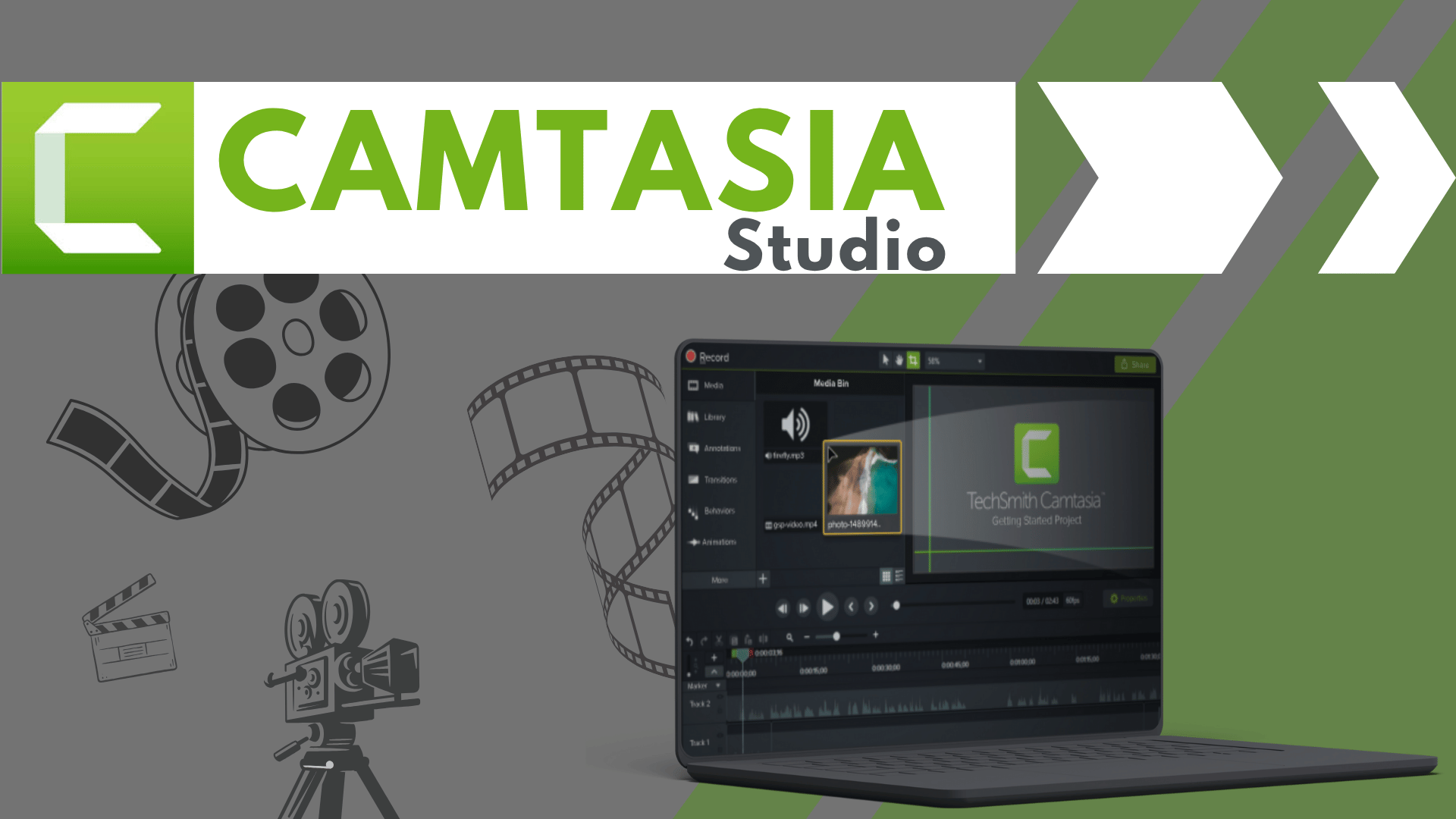
Camtasia is one of the world's leading screen recording and video editing software, widely used by educators, YouTubers, trainers, businesses, and content creators. It allows you to create professional tutorials, online courses, presentations, product demonstrations, training videos, YouTube content, and marketing videos with ease.
The Camtasia Video Editing Complete Course (Beginner to Advanced) is designed to take you from absolute beginner to professional video editor and screen recording expert. Every lesson is explained step-by-step in simple Urdu and Hindi, making it easy for anyone to learn professional video editing without any language barrier.
Whether your goal is to become a YouTube content creator, online instructor, freelancer, digital marketer, or produce high-quality training and promotional videos, this course provides practical editing skills, real-world projects, and professional workflows that you can apply immediately.
📘 What You Will Learn
After completing this course, you will be able to:
✅ Understand the complete Camtasia interface and workflow
✅ Install and configure Camtasia professionally
✅ Record high-quality screen videos with audio
✅ Record webcam videos and presentations
✅ Import, organize, and manage media files
✅ Cut, trim, split, merge, and arrange video clips
✅ Add transitions, animations, and visual effects
✅ Create professional text, titles, captions, and callouts
✅ Edit and enhance audio with noise removal and sound effects
✅ Record and edit software tutorials and online courses
✅ Create zoom and pan effects for engaging tutorials
✅ Use cursor effects and click animations
✅ Apply green screen (Chroma Key) effects
✅ Add quizzes, annotations, and interactive elements
✅ Export videos in different formats and resolutions
✅ Create YouTube videos, online courses, business presentations, and educational content
✅ Complete real-world Camtasia projects from start to finish
✅ Build a professional portfolio for freelancing and client work
💻 Who Should Enroll?
This course is perfect for:
🎓 Students
👨🏫 Teachers and Trainers
🎥 YouTubers and Content Creators
🧑💻 Freelancers
📢 Digital Marketers
🏢 Business Professionals
📚 Online Course Creators
💼 Corporate Trainers
🌱 Absolute beginners with no previous editing experience
🧩 Course Prerequisites
No previous video editing experience is required.
You only need:
💻 Basic computer knowledge
🌐 Basic internet browsing skills
🖥️ Windows PC or macOS
🎤 A microphone (recommended for voice recording)
📷 Optional webcam for face recordings
💡 Interest in video editing and content creation
📱 System Compatibility
Learn anytime, anywhere.
This course is accessible on:
🪟 Windows PC & Laptop
🍎 macOS
📱 Android & iPhone (for watching lessons)
💻 Desktop and Laptop for practical editing
Access your lessons from desktop, laptop, tablet, or mobile whenever it's convenient.
💰 One-Time Payment – Lifetime Access
There are:
🚫 No monthly subscriptions
🚫 No hidden charges
🚫 No recurring fees
Pay once and enjoy:
✅ Lifetime access to every lesson
♾️ Unlimited video replays
📚 Learn at your own pace
⏳ No expiry date
🔄 Free Lifetime Updates
Camtasia continues to introduce new features and improvements, and this course evolves with it.
Whenever we publish:
📚 New Camtasia lessons
🎬 Updated editing techniques
🛠️ Latest software features
🤖 AI-powered editing tools
📈 Professional content creation workflows
🚀 Industry best practices
You'll receive every update completely FREE.
No additional payments. Ever.
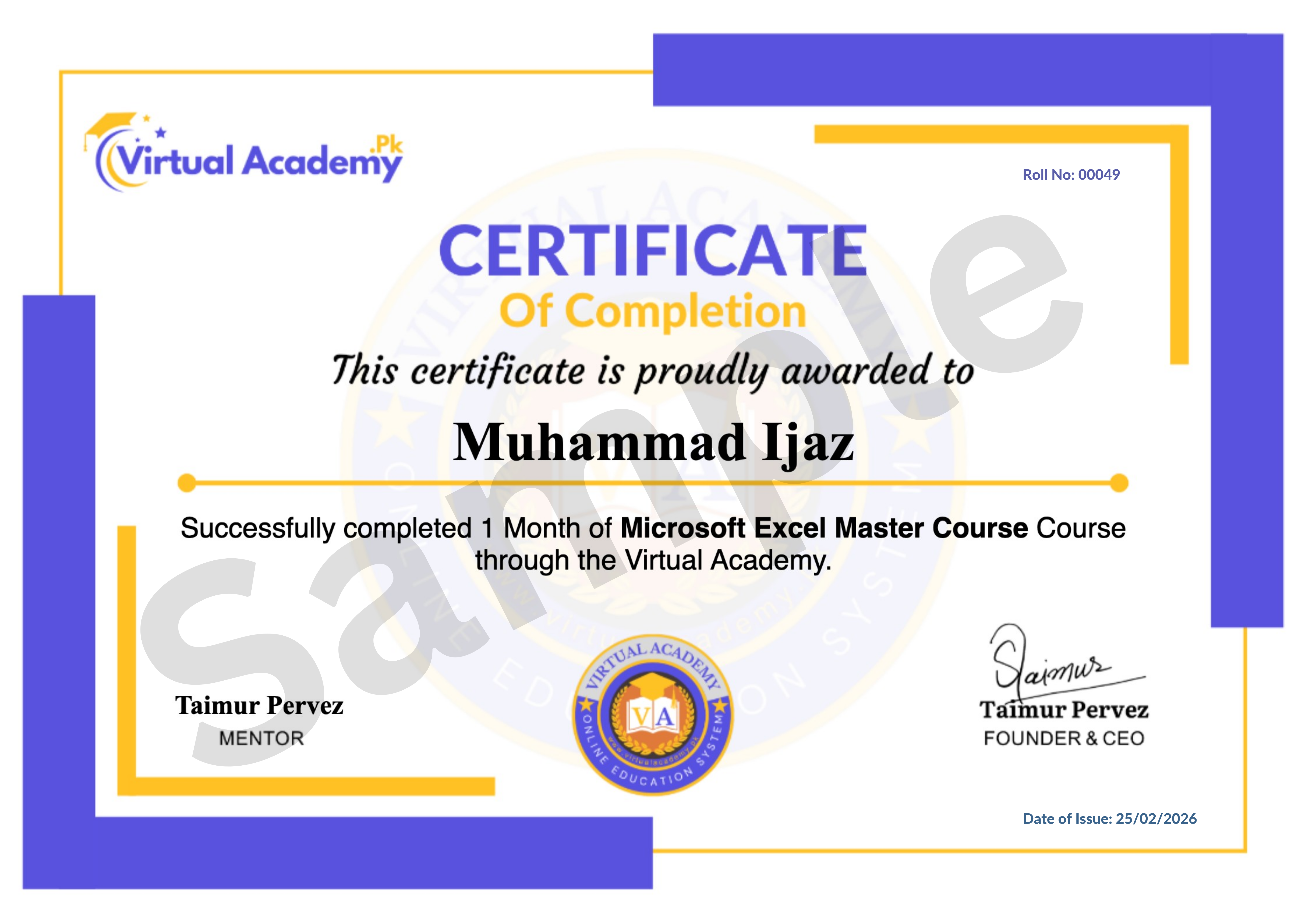
🎓 Certificate / Diploma
This course is hosted on Virtual Academy LMS.
🌐 Website:
After successfully completing the course, you'll receive a Registered Diploma/Certificate that can be added to your:
🏅 Resume
📄 CV
💼 LinkedIn Profile
🌍 Freelancing Portfolio
To receive your certificate, simply:
✅ Complete all course chapters
✅ Pass the quizzes
✅ Submit required assignments or video editing projects
Your certificate will then be available for download directly from the LMS.
🚀 Why Choose This Course?
✔ Beginner to Advanced Learning Path
✔ Complete Camtasia Training
✔ Professional Screen Recording
✔ Video Editing & Audio Enhancement
✔ Online Course & Tutorial Creation
✔ YouTube & Business Video Production
✔ Real-World Editing Projects
✔ Urdu/Hindi Language
✔ Freelancing Guidance
✔ Lifetime Access
✔ Lifetime Updates
✔ Registered Certificate
✔ Learn at Your Own Pace
📞 Need Help?
If you have any questions regarding the course, enrollment process, or learning path, our team is ready to help.
WhatsApp:
⏱️ We usually respond within 30 minutes to 1 hour during working hours.
🔥 Enroll Today
Professional video tutorials, online courses, and educational content are more popular than ever. Camtasia is one of the best tools for creating high-quality screen recordings and engaging videos for YouTube, businesses, schools, and online learning platforms.
Start learning today and build a valuable video editing skill that can help you create professional tutorials, grow your online presence, work with clients worldwide, or earn online through freelancing.
One-Time Payment • Lifetime Access • Free Lifetime Updates • Registered Certificate
Start your Camtasia video editing journey today with Virtual Academy.
Course Details
- 1. Camtasia Course Introduction
- 2. Camtasia Downloading and Installation | System Requirements
-
Chapter No 01 Introduction & Installation
No Notes available for this chapter
-
1. User Interface of Camtasia Studio and Recorder | Screen Recording (Locked) 12:07 Min

-
2. Getting Started – Project Settings, Media Bin, Timeline (Locked) 10:00 Min
-
3. File Menu Explained (Locked) 07:29 Min
-
4. Timeline in Detail (Locked) 10:07 Min
-
Chapter No 02 User Interface & Project Setup (Locked)
No Notes available for this chapter
-
1. Camtasia Library (Locked) 13:29 Min
-
2. Annotations & Favorites (Locked) 11:53 Min
-
3. Transitions & Behaviors (Locked) 10:43 Min
-
4. Animations & Cursor Effects (Locked) 09:34 Min
-
Chapter No 03 Tools & Editing Features (Locked)
No Notes available for this chapter
-
1. Voice Narration & Audio Effects (Locked) 10:53 Min
-
2. Visual Effects Overview (Locked) 07:43 Min
-
3. Interactive Hotspot (Locked) 10:48 Min
-
4. Media Matte, Motion Blur, Remove Color (Locked) 06:55 Min
-
Chapter No 04 Audio & Visual Enhancements (Locked)
No Notes available for this chapter
-
1. Interactivity Tools (Locked) 08:04 Min
-
2. Captions in Camtasia (Locked) 03:46 Min
-
3. Export, Share and Render Settings (Locked) 04:23 Min
-
Chapter No 05 Advanced Features & Final Output (Locked)
No Notes available for this chapter
 Level
Level
 Duration
 Chapters
 Quizzes
 Certifications
 Language