Canva Complete Course Design Anything
Course Description
Canva is one of the world's most popular online graphic design platforms, trusted by millions of creators, businesses, marketers, educators, and freelancers. Whether you want to create social media posts, YouTube thumbnails, presentations, logos, flyers, business cards, resumes, videos, or marketing materials, Canva provides powerful tools to design professional-quality content without requiring advanced design skills.
The Canva Complete Course – Design Anything (Beginner to Advanced) is designed to take you from absolute beginner to professional Canva designer. Every lesson is explained step-by-step in simple Urdu and Hindi, making it easy for anyone to create stunning designs without any language barrier.
Whether your goal is to become a Graphic Designer, Social Media Manager, Content Creator, Freelancer, Digital Marketer, or Business Owner, this course provides practical design skills, real-world projects, and modern design techniques that you can apply immediately.
📘 What You Will Learn
After completing this course, you will be able to:
✅ Understand the complete Canva interface and workspace
✅ Create and manage Canva accounts and projects
✅ Design professional social media posts for Facebook, Instagram, LinkedIn, TikTok, and X (Twitter)
✅ Create eye-catching YouTube thumbnails, channel banners, and video graphics
✅ Design professional logos, business cards, flyers, brochures, and posters
✅ Build presentations, resumes, certificates, and marketing materials
✅ Work with fonts, typography, colors, icons, and design elements
✅ Edit photos using Canva's built-in tools
✅ Create and edit videos using Canva Video Editor
✅ Add animations, transitions, and visual effects
✅ Use Canva AI tools for faster content creation
✅ Create brand kits and maintain consistent branding
✅ Collaborate with teams and share projects professionally
✅ Export designs in multiple formats for print and digital use
✅ Design content for websites, blogs, and eCommerce stores
✅ Complete real-world graphic design projects from start to finish
✅ Build a professional portfolio for freelancing and client work
💻 Who Should Enroll?
This course is perfect for:
🎓 Students
🎨 Beginner Graphic Designers
📱 Social Media Managers
📢 Digital Marketers
🎥 Content Creators
🧑💻 Freelancers
🏢 Small Business Owners
👩🏫 Teachers and Educators
🌱 Anyone who wants to create professional designs without complex software
🧩 Course Prerequisites
No previous design experience is required.
You only need:
💻 Basic computer or smartphone knowledge
🌐 Internet connection
📧 A Canva account (Free or Pro)
💡 Interest in graphic design and creativity
📱 System Compatibility
Learn anytime, anywhere.
This course is accessible on:
🪟 Windows PC & Laptop
🍎 macOS
🌐 Web Browser
🤖 Android Smartphones & Tablets
📱 iPhone & iPad (iOS devices)
Access your lessons from desktop, laptop, tablet, or mobile whenever it's convenient.
💰 One-Time Payment – Lifetime Access
There are:
🚫 No monthly subscriptions
🚫 No hidden charges
🚫 No recurring fees
Pay once and enjoy:
✅ Lifetime access to every lesson
♾️ Unlimited video replays
📚 Learn at your own pace
⏳ No expiry date
🔄 Free Lifetime Updates
Canva regularly introduces new features and AI-powered tools, and this course evolves with them.
Whenever we publish:
📚 New Canva lessons
🎨 Latest design techniques
🤖 AI-powered Canva tools
📱 Social media design trends
🖼️ New templates and creative workflows
🚀 Industry best practices
You'll receive every update completely FREE.
No additional payments. Ever.
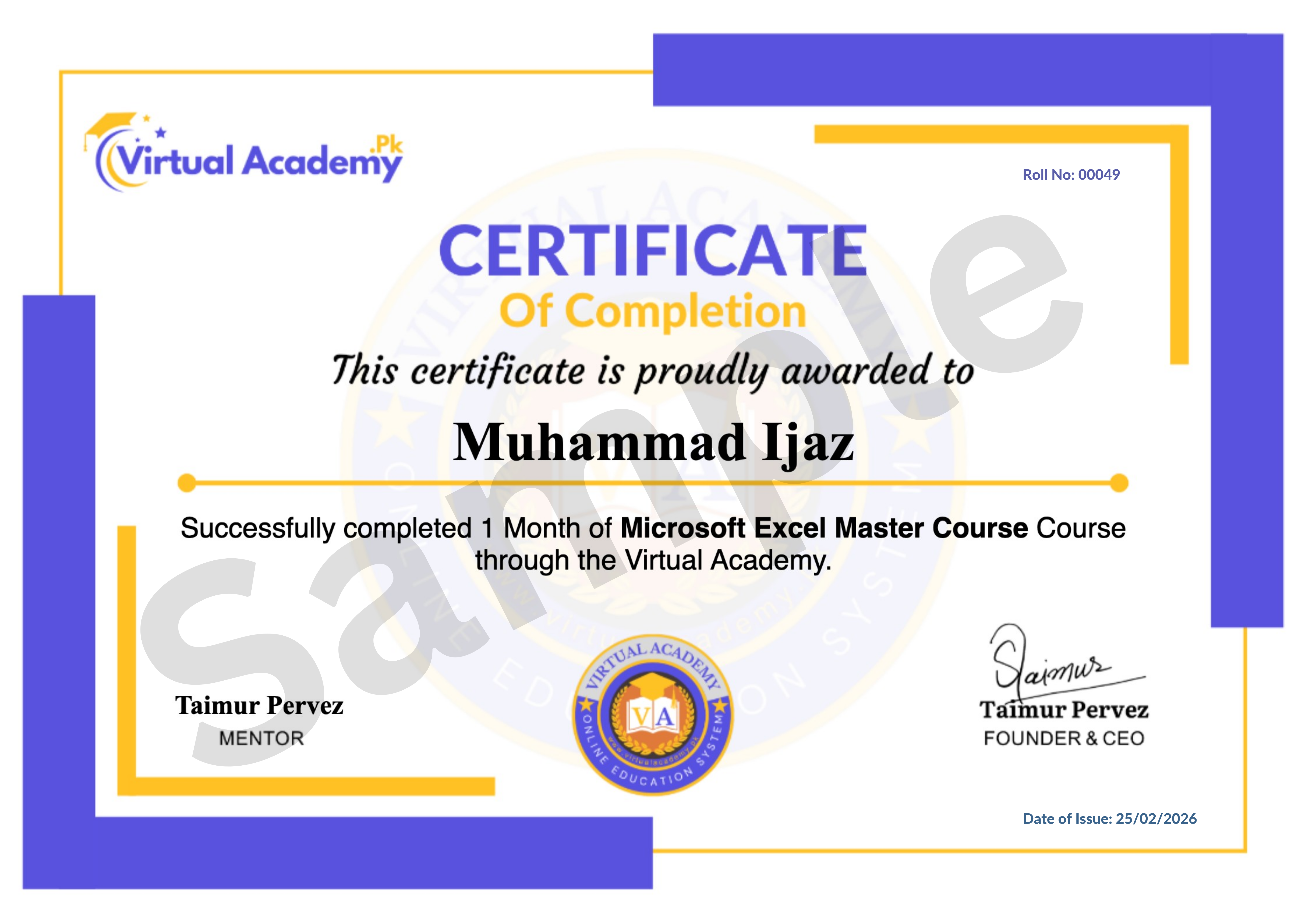
🎓 Certificate / Diploma
This course is hosted on Virtual Academy LMS.
🌐 Website:
After successfully completing the course, you'll receive a Registered Diploma/Certificate that can be added to your:
🏅 Resume
📄 CV
💼 LinkedIn Profile
🌍 Freelancing Portfolio
To receive your certificate, simply:
✅ Complete all course chapters
✅ Pass the quizzes
✅ Submit required assignments or graphic design projects
Your certificate will then be available for download directly from the LMS.
🚀 Why Choose This Course?
✔ Beginner to Advanced Learning Path
✔ Complete Canva Training
✔ Social Media & Marketing Design
✔ YouTube Thumbnail & Video Editing
✔ AI-Powered Design Tools
✔ Branding & Business Graphics
✔ Real-World Design Projects
✔ Urdu/Hindi Language
✔ Freelancing Guidance
✔ Lifetime Access
✔ Lifetime Updates
✔ Registered Certificate
✔ Learn at Your Own Pace
📞 Need Help?
If you have any questions regarding the course, enrollment process, or learning path, our team is ready to help.
WhatsApp:
⏱️ We usually respond within 30 minutes to 1 hour during working hours.
🔥 Enroll Today
Canva has become one of the most in-demand design tools for freelancers, content creators, businesses, and digital marketers. By mastering Canva, you'll be able to create stunning graphics, professional presentations, engaging social media content, and marketing materials quickly and efficiently.
Start learning today and build a valuable creative skill that can help you grow your career, attract clients, build your personal brand, or earn online through freelancing.
One-Time Payment • Lifetime Access • Free Lifetime Updates • Registered Certificate
Start your Canva design journey today with Virtual Academy.
Course Details
- 1. Course Introduction of Canva
- 2. Introduction to Canva | Canva Complete tutorial in Hindi
- 3. Overview to some designs in Canva | Canva Course in Urdu
-
4. Dashboard Interface of Canva (Locked) 04:33 Min

-
5. Canva Pricing – Free, Pro, Premium Versions (Locked) 03:57 Min
-
Chapter No 01 Course Introduction & Interface (Locked)
No Notes available for this chapter
-
1. Search Bar, Templates, and Projects (Locked) 02:22 Min
-
2. Remove Background from Image (Locked) 02:40 Min
-
3. Pre-defined Size and Custom Size (Locked) 03:04 Min
-
4. Design Tab, Element Tab, Frames, Uploads (Locked) 07:24 Min
-
5. Text Tab – Color, Font, Size, Effects (Locked) 07:01 Min
-
Chapter No 02 Core Tools & Features (Locked)
No Notes available for this chapter
-
1. Group and Ungroup in Canva (Locked) 04:42 Min
-
2. Send to Back, Front, Forward, Backward (Locked) 03:18 Min
-
3. Add Margins and Guides (Locked) 05:02 Min
-
4. Animate Any Design (Locked) 02:17 Min
-
Chapter No 03 Editing & Layout Control (Locked)
No Notes available for this chapter
-
1. Design YouTube Thumbnail (Locked) 11:57 Min
-
2. Design LinkedIn Banner (Locked) 11:43 Min
-
3. Design Facebook Cover (Locked) 11:21 Min
-
4. Create Graphs and Charts (Locked) 04:50 Min
-
5. Use Blur Filter (Locked) 03:45 Min
-
Chapter No 04 Designing for Platforms (Locked)
No Notes available for this chapter
-
1. Create Social Media Memes (Locked) 05:30 Min
-
2. Create Business Card (Locked) 04:25 Min
-
3. Create Social Media Posts (Locked) 11:23 Min
-
4. Create Resume (Locked) 06:23 Min
-
Chapter No 05 Project & Practice (Locked)
No Notes available for this chapter
 Level
Level
 Duration
 Chapters
 Quizzes
 Certifications
 Language