Introduction to Computer Technology
Course Description
Computer technology is the foundation of today's digital world. Whether you want to study, work in an office, start freelancing, learn programming, or build a career in Information Technology (IT), understanding computer fundamentals is the first step toward success. From hardware and software to operating systems, networking, internet technologies, and cybersecurity, computer knowledge is essential in almost every profession.
The Introduction to Computer Technology (Beginner to Advanced) course is designed to provide a strong foundation in computer technology for absolute beginners. Every lesson is explained step-by-step in simple Urdu and Hindi, making it easy for anyone to understand computers without any technical background.
Whether your goal is to improve your computer skills, prepare for advanced IT courses, pursue a career in technology, or become more productive in your daily work, this course provides practical knowledge, real-world examples, and industry-standard concepts that you can apply immediately.
📘 What You Will Learn
After completing this course, you will be able to:
✅ Understand the fundamentals of computer technology
✅ Learn the history and evolution of computers
✅ Identify different types of computers and their uses
✅ Understand computer hardware and software
✅ Learn about CPU, RAM, storage devices, and motherboards
✅ Understand input and output devices
✅ Learn how operating systems work
✅ Explore Windows, Linux, and macOS basics
✅ Understand computer networking and the internet
✅ Learn about web browsers, email, and cloud computing
✅ Understand data storage, file management, and backups
✅ Learn computer security, viruses, malware, and antivirus software
✅ Practice safe internet browsing and cybersecurity basics
✅ Understand computer performance and troubleshooting techniques
✅ Learn basic computer maintenance and upgrades
✅ Explore emerging technologies including Artificial Intelligence (AI), Cloud Computing, and the Internet of Things (IoT)
✅ Build a strong foundation for programming, networking, and IT certifications
💻 Who Should Enroll?
This course is perfect for:
🎓 Students
💻 Beginners with no computer experience
🏢 Office Workers
🧑💻 Freelancers
👨💼 Job Seekers
👩🏫 Teachers
👴 Adults who want to improve their digital skills
🌱 Anyone interested in learning computer technology from scratch
🧩 Course Prerequisites
No prior computer knowledge is required.
You only need:
💻 A Windows PC, Laptop, or Mac
🌐 Basic internet access
📖 Interest in learning computer technology
💡 A willingness to practice and explore
📱 System Compatibility
Learn anytime, anywhere.
This course is accessible on:
🪟 Windows PC & Laptop
🍎 macOS
🐧 Linux
🤖 Android Smartphones & Tablets
📱 iPhone & iPad (iOS devices)
Access your lessons from desktop, laptop, tablet, or mobile whenever it's convenient.
💰 One-Time Payment – Lifetime Access
There are:
🚫 No monthly subscriptions
🚫 No hidden charges
🚫 No recurring fees
Pay once and enjoy:
✅ Lifetime access to every lesson
♾️ Unlimited video replays
📚 Learn at your own pace
⏳ No expiry date
🔄 Free Lifetime Updates
Computer technology continues to evolve, and this course evolves with it.
Whenever we publish:
📚 New lessons
💻 Latest computer technologies
☁️ Cloud computing updates
🤖 Artificial Intelligence (AI) concepts
🔒 Modern cybersecurity practices
🚀 Current IT industry trends
You'll receive every update completely FREE.
No additional payments. Ever.
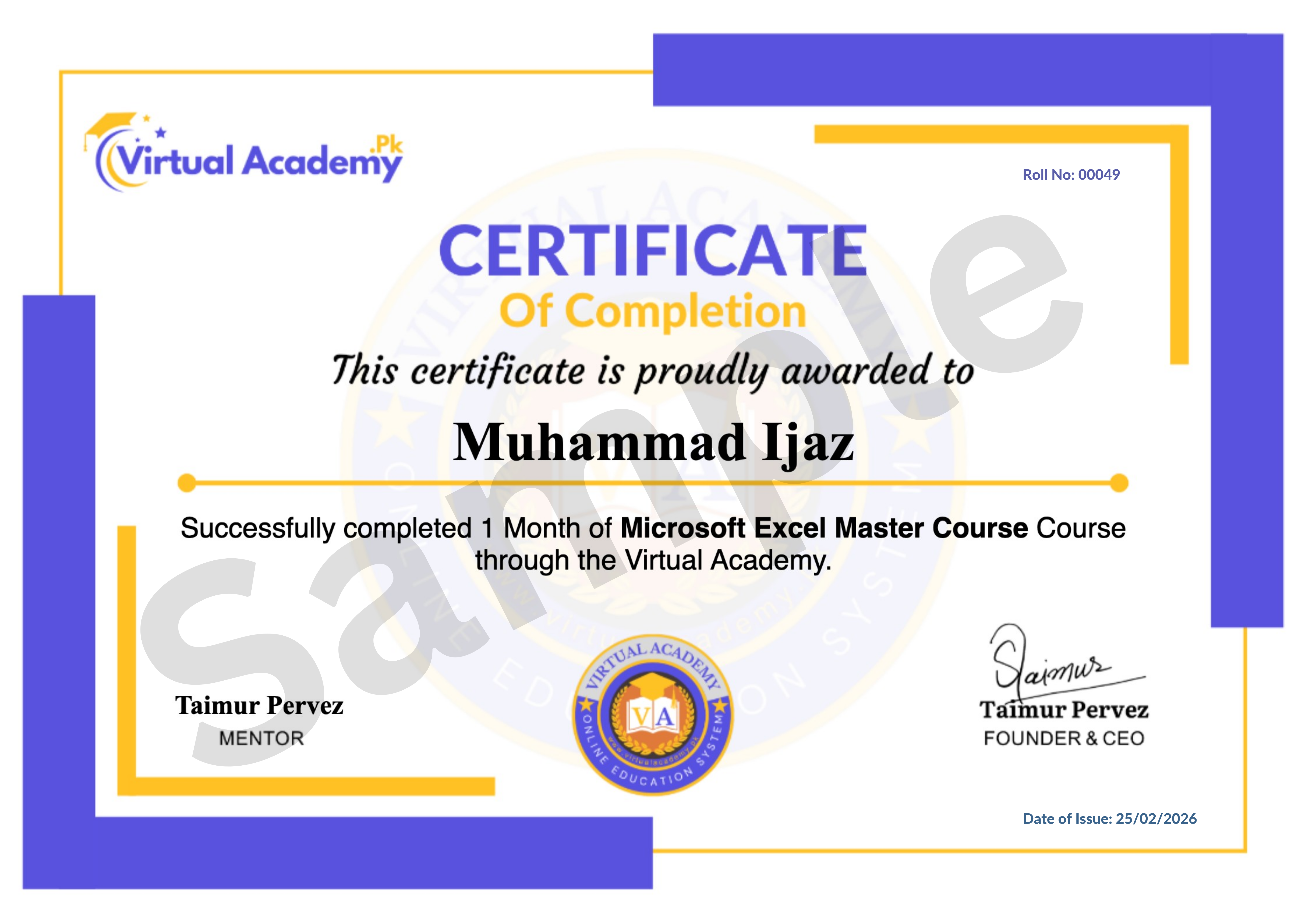
🎓 Certificate / Diploma
This course is hosted on Virtual Academy LMS.
🌐 Website:
After successfully completing the course, you'll receive a Registered Diploma/Certificate that can be added to your:
🏅 Resume
📄 CV
💼 LinkedIn Profile
🌍 Freelancing Portfolio
To receive your certificate, simply:
✅ Complete all course chapters
✅ Pass the quizzes
✅ Submit required assignments or practical activities
Your certificate will then be available for download directly from the LMS.
🚀 Why Choose This Course?
✔ Beginner-Friendly Learning Path
✔ Complete Introduction to Computer Technology
✔ Hardware & Software Fundamentals
✔ Operating Systems & File Management
✔ Networking & Internet Basics
✔ Cybersecurity Essentials
✔ Cloud Computing & AI Introduction
✔ Practical Real-World Knowledge
✔ Urdu/Hindi Language
✔ Lifetime Access
✔ Lifetime Updates
✔ Registered Certificate
✔ Learn at Your Own Pace
📞 Need Help?
If you have any questions regarding the course, enrollment process, or learning path, our team is ready to help.
WhatsApp:
⏱️ We usually respond within 30 minutes to 1 hour during working hours.
🔥 Enroll Today
Computer literacy is an essential skill in today's digital age. Whether you're pursuing higher education, applying for jobs, starting freelancing, or planning to learn advanced IT skills, a strong understanding of computer technology will give you a solid foundation for success.
Start learning today and gain the confidence to use computers effectively, understand modern technology, and prepare yourself for exciting opportunities in education, business, and the IT industry.
One-Time Payment • Lifetime Access • Free Lifetime Updates • Registered Certificate
Start your Computer Technology journey today with Virtual Academy.
Course Details
- 1. Course Introduction Video
- 2. What is Computer Technology
-
3. Applications & Importance of Computers Today (Locked) 06:31 Min

-
4. Generations of Computers Overview (Locked) 07:51 Min
-
5. Types of Computers (Locked) 04:09 Min
-
Chapter No 01 Introduction & Basics (Locked)
No Notes available for this chapter
-
1. Computer Memory Types Explained (Locked) 04:56 Min
-
2. RAM vs ROM Differences (Locked) 03:55 Min
-
3. Hard Disk Drive (HDD) Overview and Types (Locked) 05:25 Min
-
4. Solid State Drive (SSD) and Benefits (Locked) 04:07 Min
-
Chapter No 02 Computer Memory & Storage (Locked)
No Notes available for this chapter
-
1. Keyboard Types and Functions (Locked) 05:34 Min
-
2. Mouse Types and Uses (Locked) 08:19 Min
-
3. Touch Screen and Its Advantages (Locked) 04:38 Min
-
4. Light Pen Usage in Computers (Locked) 02:22 Min
-
5. Microphone Types: Internal & External (Locked) 03:09 Min
-
6. Scanner and Its Types (Locked) 03:58 Min
-
Chapter No 03 Input Devices (Locked)
No Notes available for this chapter
-
1. CPU and Its Main Components (Locked) 04:26 Min
-
2. Types of CPUs: Single to Octa Core (Locked) 03:54 Min
-
3. Printers and Their Types (Locked) 05:33 Min
-
4. Output Devices Overview: Printer, Speakers, Projectors (Locked) 06:30 Min
-
5. Speakers: Audio Output Devices (Locked) 03:37 Min
-
Chapter No 04 Output Devices (Locked)
No Notes available for this chapter
-
1. Motherboard and Its Components (Locked) 07:03 Min
-
2. Computer Ports and Their Types (Locked) 04:31 Min
-
3. SMPS (Power Supply) Overview (Locked) 04:41 Min
-
4. Floppy Disk Basics (Locked) 05:29 Min
-
Chapter No 05 Hardware Components & Ports (Locked)
No Notes available for this chapter
 Level
Level
 Duration
 Chapters
 Quizzes
 Certifications
 Language