Learn CSS3 - For Beginners Complete Course
Course Description
CSS3 (Cascading Style Sheets) is the language used to style and design modern websites. While HTML5 provides the structure of a webpage, CSS3 controls its appearance, layout, colors, typography, animations, and responsiveness. It is an essential skill for anyone who wants to become a professional web designer or front-end web developer.
The Learn CSS3 – Complete Course for Beginners (Basics to Advanced) is designed to take you from absolute beginner to advanced web designer. Every lesson is explained step-by-step in simple Urdu and Hindi, making it easy for beginners to learn modern website styling without any language barrier.
Whether your goal is to become a Front-End Developer, Web Designer, Freelancer, UI Developer, or create beautiful websites for yourself or clients, this course provides practical skills, real-world projects, and industry-standard web design techniques that you can apply immediately.
📘 What You Will Learn
After completing this course, you will be able to:
✅ Understand how CSS3 works with HTML5
✅ Learn CSS syntax, selectors, and properties
✅ Apply colors, backgrounds, gradients, and borders professionally
✅ Style text, fonts, spacing, and typography
✅ Work with the CSS Box Model
✅ Control margins, padding, width, height, and positioning
✅ Use Flexbox for responsive layouts
✅ Learn CSS Grid for advanced webpage design
✅ Create responsive websites using Media Queries
✅ Add transitions, animations, and visual effects
✅ Design professional navigation menus
✅ Style forms, buttons, tables, and images
✅ Build modern landing pages and business websites
✅ Learn responsive web design for mobile, tablet, and desktop devices
✅ Organize CSS code using best practices
✅ Improve website performance and maintainability
✅ Complete real-world web design projects
✅ Prepare websites for JavaScript integration
✅ Build a professional portfolio for jobs and freelancing
💻 Who Should Enroll?
This course is perfect for:
🎓 Students interested in web development
💻 Beginner Front-End Developers
🎨 Web Designers
🧑💻 Freelancers
📢 Digital marketers
🏢 Business owners creating their own websites
🌱 Absolute beginners with no previous CSS experience
Anyone who wants to create beautiful and responsive websites
🧩 Course Prerequisites
No previous CSS experience is required.
You only need:
💻 Basic computer knowledge
🌐 Basic internet browsing skills
🖥️ Windows PC, Mac, or Laptop
📝 A text editor (such as VS Code or Notepad++)
📘 Basic understanding of HTML is recommended
💡 Passion for learning web design
📱 System Compatibility
Learn anytime, anywhere.
This course is accessible on:
🪟 Windows PC & Laptop
🍎 macOS
🐧 Linux
🤖 Android Smartphones & Tablets (for watching lessons)
📱 iPhone & iPad (iOS devices)
Access your lessons from desktop, laptop, tablet, or mobile whenever it's convenient.
💰 One-Time Payment Lifetime Access
There are:
🚫 No monthly subscriptions
🚫 No hidden charges
🚫 No recurring fees
Pay once and enjoy:
✅ Lifetime access to every lesson
♾️ Unlimited video replays
📚 Learn at your own pace
⏳ No expiry date
🔄 Free Lifetime Updates
Web technologies continue to evolve, and this course evolves with them.
Whenever we publish:
📚 New CSS3 lessons
🛠️ Modern styling techniques
📱 Responsive design improvements
🎨 Advanced animations and UI effects
🤖 AI-assisted web design workflows
You'll receive every update completely FREE.
No additional payments. Ever.
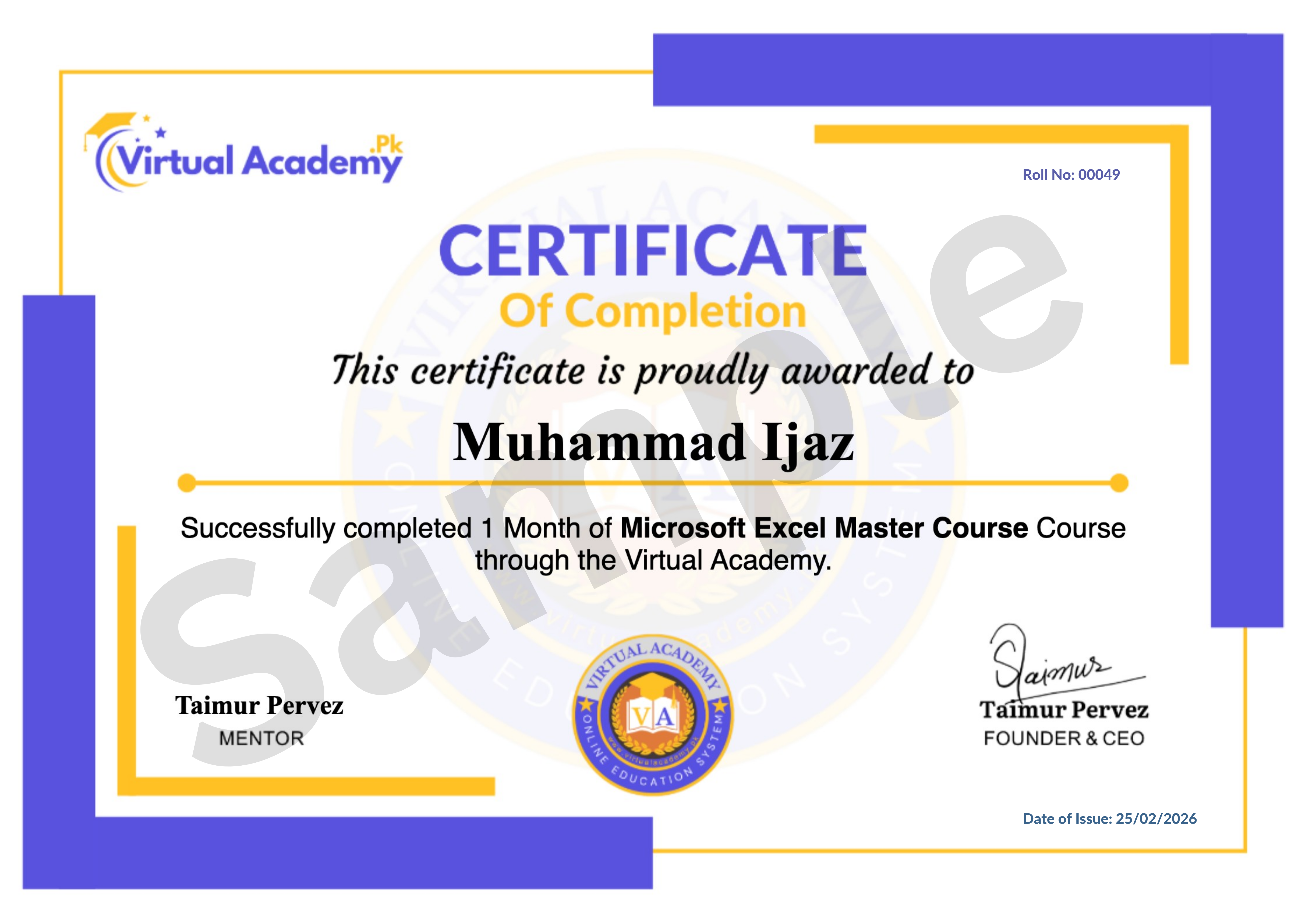
🎓 Certificate / Diploma
This course is hosted on Virtual Academy LMS.
🌐 Website:
After successfully completing the course, you'll receive a Registered Diploma/Certificate that can be added to your:
🏅 Resume
📄 CV
💼 LinkedIn Profile
🌍 Freelancing Portfolio
To receive your certificate, simply:
✅ Complete all course chapters
✅ Pass the quizzes
✅ Submit required assignments or web design projects
Your certificate will then be available for download directly from the LMS.
🚀 Why Choose This Course?
✔ Beginner to Advanced Learning Path
✔ Complete CSS3 Training
✔ Modern Responsive Web Design
✔ Flexbox & CSS Grid
✔ Animations & Visual Effects
✔ Real-World Website Projects
✔ Clean & Professional Coding Practices
✔ Urdu/Hindi Language
✔ Freelancing Guidance
✔ Lifetime Access
✔ Lifetime Updates
✔ Registered Certificate
✔ Learn at Your Own Pace
📞 Need Help?
If you have any questions regarding the course, enrollment process, or learning path, our team is ready to help.
WhatsApp:
⏱️ We usually respond within 30 minutes to 1 hour during working hours.
🔥 Enroll Today
CSS3 is one of the core technologies of modern web development. By mastering CSS3, you'll be able to create beautiful, responsive, and user-friendly websites for businesses, clients, and your own projects.
Start learning today and build a valuable technical skill that can help you become a professional web designer, launch your web development career, or earn online through freelancing.
One-Time Payment • Lifetime Access • Free Lifetime Updates • Registered Certificate
Start your CSS3 web design journey today with Virtual Academy.
Course Details
- 1. CSS3 Course Introduction
- 2. What is CSS3 – Cascading Style Sheet
- 3. How to Add CSS in HTML
-
4. Basic Selectors in CSS (Locked) 09:48 Min

-
Chapter No 1 CSS3 Basics and Setup (Locked)
No Notes available for this chapter
-
1. CSS Colors and Background Colors (Locked) 08:18 Min
-
2. Borders in CSS (Locked) 09:29 Min
-
3. Outline vs Border (Locked) 03:50 Min
-
4. Margin in CSS (Locked) 07:28 Min
-
5. Padding in CSS (Locked) 06:15 Min
-
6. Height and Width in CSS (Locked) 06:06 Min
-
7. Box-sizing in CSS (Locked) 04:53 Min
-
8. Overflow Property (Locked) 05:31 Min
-
9. Border-radius in CSS (Locked) 07:11 Min
-
10. Box-shadow in CSS (Locked) 06:11 Min
-
Chapter No 2 Colors, Border & Layout (Locked)
No Notes available for this chapter
-
1. Font Size in CSS (Locked) 05:57 Min
-
2. Font Family and Google Fonts (Locked) 06:19 Min
-
3. Font Weight, Style, Line-height (Locked) 05:34 Min
-
4. Text Formatting: Align, Transform, Spacing (Locked) 06:08 Min
-
5. Text Decoration (Locked) 05:11 Min
-
6. Text Shadow in CSS (Locked) 03:35 Min
-
Chapter No 3 Fonts & Text Styling (Locked)
No Notes available for this chapter
-
1. CSS List Styles (Locked) 04:39 Min
-
2. Background Image in CSS (Locked) 05:32 Min
-
3. Background Size in CSS (Locked) 04:23 Min
-
4. Linear Gradient in CSS (Locked) 06:49 Min
-
5. Display Property in CSS (Locked) 07:45 Min
-
6. Position & Z-index (Locked) 06:20 Min
-
7. Cursor Property (Locked) 04:39 Min
-
8. Float and Clear (Locked) 04:33 Min
-
Chapter No 4 List Background and Display (Locked)
No Notes available for this chapter
-
1. Media Queries in CSS (Locked) 08:11 Min
-
2. CSS Variables (Locked) 05:54 Min
-
3. CSS Filter Property (Locked) 05:38 Min
-
4. User Select in CSS (Locked) 02:56 Min
-
Chapter No 5 Responsive Design & Advanced Properties (Locked)
No Notes available for this chapter
-
1. First-letter, Placeholder, and First-line (Locked) 05:40 Min
-
2. Before and After Elements (Locked) 04:15 Min
-
3. Font Awesome Icons (Locked) 07:15 Min
-
Chapter No 6 PSEUDO Elements & Icons (Locked)
No Notes available for this chapter
-
1. What is Flexbox (Locked) 06:42 Min
-
2. Flex-wrap and Flex-flow (Locked) 04:31 Min
-
3. Justify-content (Locked) 04:47 Min
-
4. Align-items (Locked) 04:06 Min
-
5. Align-content (Locked) 03:18 Min
-
6. Align-self (Locked) 03:22 Min
-
7. Flex-grow (Locked) 02:20 Min
-
8. Flex-shrink (Locked) 03:15 Min
-
9. Flex-basis (Locked) 02:49 Min
-
Chapter No 7 Flexbox In CSS (Locked)
No Notes available for this chapter
-
1. CSS Transitions (Locked) 06:19 Min
-
2. CSS Transform (Locked) 05:24 Min
-
3. CSS Animations (Locked) 08:54 Min
-
4. Grid System in CSS (Locked) 02:37 Min
-
5. Grid Columns and Rows (Locked) 06:01 Min
-
6. Grid Gap (Locked) 04:14 Min
-
7. Item Position in Grid (Locked) 06:01 Min
-
8. Item Spanning in Grid (Locked) 03:05 Min
-
9. Grid Template Areas (Locked) 04:40 Min
-
Chapter No 8 Transition, Animation & Grid (Locked)
No Notes available for this chapter
 Level
Level
 Duration
 Chapters
 Quizzes
 Certifications
 Language