Microsoft PowerPoint 2016 Complete Training
Course Description
Microsoft PowerPoint is one of the world's most popular presentation software applications, used by students, teachers, business professionals, marketers, trainers, and entrepreneurs to create professional presentations. Whether you want to design business presentations, academic projects, training materials, sales pitches, or animated slideshows, PowerPoint provides powerful tools to present your ideas with confidence.
The Microsoft PowerPoint 2016 Complete Training is designed to take you from absolute beginner to advanced presentation designer. Every lesson is explained step-by-step in simple Urdu and Hindi, making it easy for beginners to learn without any language barrier.
Whether your goal is to improve your office skills, deliver professional presentations, create educational content, build business proposals, or offer presentation design services on Fiverr and Upwork, this course provides practical skills, real-world projects, and industry-standard techniques that you can apply immediately.
📘 What You Will Learn
After completing this course, you will be able to:
✅ Understand the complete Microsoft PowerPoint interface and workspace
✅ Create professional presentations from scratch
✅ Design attractive and modern slides
✅ Work with themes, templates, and slide layouts
✅ Insert and format text, images, icons, SmartArt, and shapes
✅ Create professional charts, tables, and infographics
✅ Add animations and slide transitions
✅ Use multimedia including audio, video, and screen recordings
✅ Create interactive presentations using hyperlinks and action buttons
✅ Design business, educational, and marketing presentations
✅ Apply professional color schemes, fonts, and design principles
✅ Use Slide Master for consistent presentation design
✅ Record and narrate presentations
✅ Export presentations as PDF, video, and other formats
✅ Deliver presentations with confidence using Presenter View
✅ Create real-world presentation projects from start to finish
✅ Build a professional presentation design portfolio for freelancing
💻 Who Should Enroll?
This course is perfect for:
🎓 Students preparing academic presentations
👨🏫 Teachers and trainers
👨💼 Office professionals
📊 Business owners and entrepreneurs
📢 Sales and marketing professionals
🧑💻 Freelancers offering PowerPoint presentation services
🎤 Public speakers and presenters
🌱 Absolute beginners with no previous PowerPoint experience
Anyone who wants to create professional presentations
🧩 Course Prerequisites
No previous PowerPoint experience is required.
You only need:
💻 Basic computer knowledge
🌐 Basic internet browsing skills
🖥️ Windows PC or Laptop (Recommended)
💡 Interest in learning presentation design
📱 System Compatibility
Learn anytime, anywhere.
This course is accessible on:
🪟 Windows PC & Laptop
🍎 macOS
🤖 Android Smartphones & Tablets (for watching lessons)
📱 iPhone & iPad (iOS devices)
Access your lessons from desktop, laptop, tablet, or mobile whenever it's convenient.
💰 One-Time Payment Lifetime Access
There are:
🚫 No monthly subscriptions
🚫 No hidden charges
🚫 No recurring fees
Pay once and enjoy:
✅ Lifetime access to every lesson
♾️ Unlimited video replays
📚 Learn at your own pace
⏳ No expiry date
🔄 Free Lifetime Updates
Microsoft PowerPoint continues to evolve, and this course evolves with it.
Whenever we publish:
📚 New lessons
🛠️ Updated PowerPoint features
🎨 Modern presentation design techniques
📈 Business presentation strategies
🤖 AI-powered productivity tools
You'll receive every update completely FREE.
No additional payments. Ever.
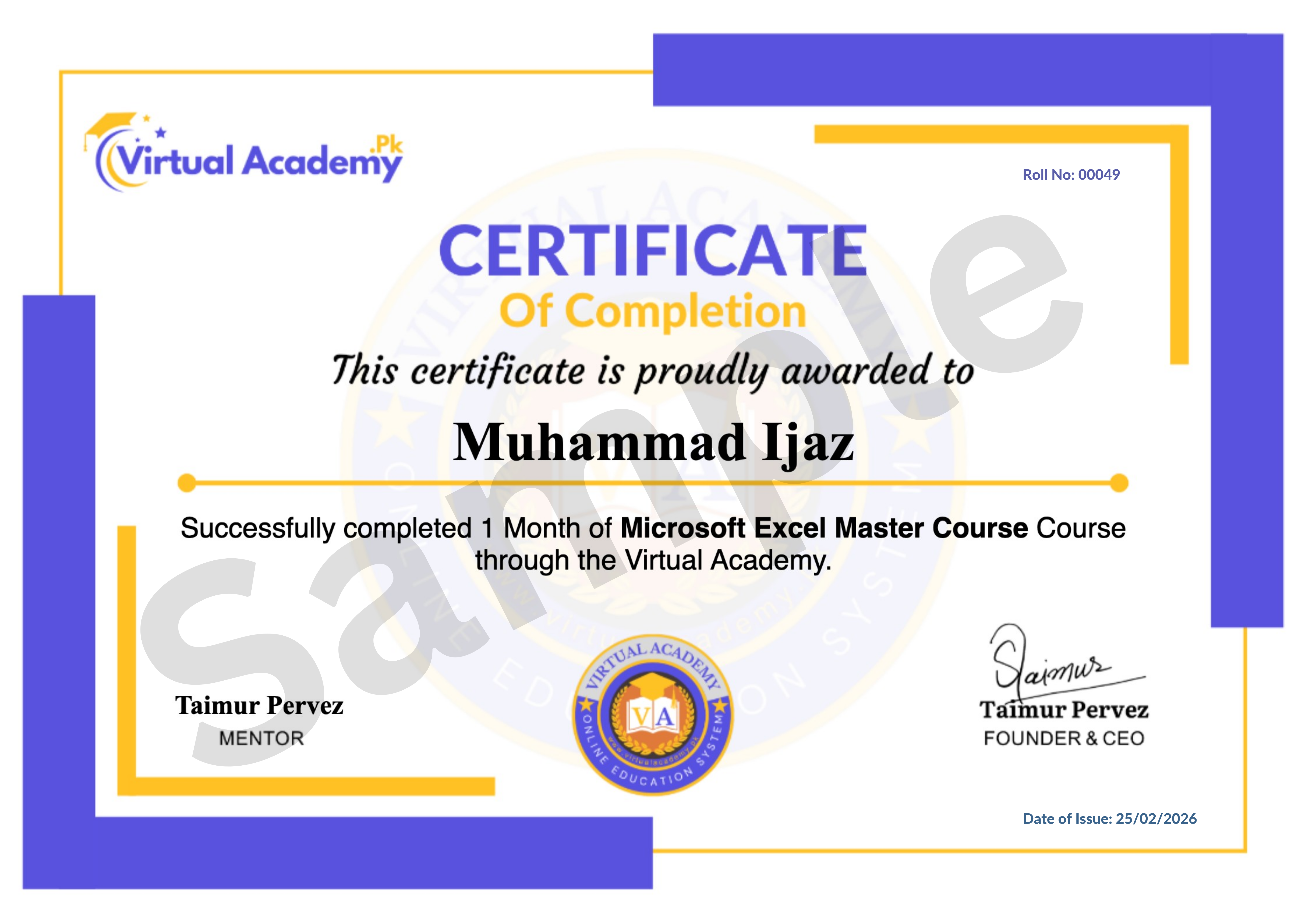
🎓 Certificate / Diploma
This course is hosted on Virtual Academy LMS.
🌐 Website:
After successfully completing the course, you'll receive a Registered Diploma/Certificate that can be added to your:
🏅 Resume
📄 CV
💼 LinkedIn Profile
🌍 Freelancing Portfolio
To receive your certificate, simply:
✅ Complete all course chapters
✅ Pass the quizzes
✅ Submit required assignments or practical presentation projects
Your certificate will then be available for download directly from the LMS.
🚀 Why Choose This Course?
✔ Beginner to Advanced Learning Path
✔ Complete Microsoft PowerPoint Training
✔ Professional Presentation Design
✔ Animations & Slide Transitions
✔ Business & Academic Projects
✔ Interactive Presentations
✔ Real-World Practical Exercises
✔ Urdu/Hindi Language
✔ Freelancing Guidance
✔ Lifetime Access
✔ Lifetime Updates
✔ Registered Certificate
✔ Learn at Your Own Pace
📞 Need Help?
If you have any questions regarding the course, enrollment process, or learning path, our team is ready to help.
WhatsApp:
⏱️ We usually respond within 30 minutes to 1 hour during working hours.
🔥 Enroll Today
Microsoft PowerPoint is an essential skill for students, professionals, educators, businesses, and freelancers. The ability to create engaging and visually appealing presentations can help you succeed in education, the workplace, and the digital world.
Start learning today and develop a valuable skill that can help you create impressive presentations, boost your career, or earn online through freelancing.
One-Time Payment • Lifetime Access • Free Lifetime Updates • Registered Certificate
Start your professional Microsoft PowerPoint journey today with Virtual Academy.
Course Details
- 1. Course Introduction Video of Microsoft PowerPoint
- 2. Introduction to Microsoft PowerPoint | First user interface
- 3. Office clipboard | Cut, Copy, Paste and Format Painter
-
4. Make New Slide in PowerPoint | Layout | Reset and Selection (Locked) 05:15 Min

-
5. File Menu | Info, New, Open, Save and Save As (Locked) 14:06 Min
-
Chapter No 01 Getting Started With PowerPoint (Locked)
No Notes available for this chapter
-
1. Change Font Style | Font Size and Formatting (Locked) 08:02 Min
-
2. Bullets and Numbering | Paragraph Alignments and Formatting (Locked) 07:59 Min
-
3. Drawing with Formatting | Shape and Arrangement (Locked) 10:53 Min
-
4. Quick Start | Find, Replace, and Select Option (Locked) 05:00 Min
-
Chapter No 02 Text And Formatting (Locked)
No Notes available for this chapter
-
1. Insert Menu | Design Menu | Insert Table (Locked) 13:17 Min
-
2. Table Option | Table Style and Formatting (Locked) 10:13 Min
-
3. Insert Image | Online Picture | Screenshot | Photo Album (Locked) 13:48 Min
-
4. Insert Shape | Shape Format Options (Locked) 09:01 Min
-
Chapter No 03 Working with Table and Media (Locked)
No Notes available for this chapter
-
1. Add-ins | Links and Comments (Locked) 11:50 Min
-
2. Text Box | Header and Footer | WordArt | Date and Time | Slide Number and Objects (Locked) 11:24 Min
-
3. Equation & Symbol | Video | Audio and Screen Recording (Locked) 10:22 Min
-
4. Design Menu | Themes | Variants and Customize (Locked) 08:41 Min
-
5. File Menu (Advanced Options) (Locked) 14:44 Min
-
Chapter No 04 Advanced Tools & Setting (Locked)
No Notes available for this chapter
-
1. Slide Transitions and Timing (Locked) 12:47 Min
-
2. Advanced Animation and Timing (Locked) 11:13 Min
-
3. Slide Show | Setup and Monitors (Locked) 7:10 Min
-
Chapter No 05 Animation & Slide Show (Locked)
No Notes available for this chapter
-
1. Proofing | Accessibility | Insights and Language (Locked) 09:54 Min
-
2. Comments | Compare | Link and OneNote (Locked) 19:07 Min
-
3. View, Zoom, Color, Window and Macros (Locked) 10:52 Min
-
Chapter No 06 Review & Final Touch (Locked)
No Notes available for this chapter
-
1. Create Professional Presentations Part A (Locked) 21:03 Min
-
2. Create Professional Presentations Part B (Locked) 07:49 Min
-
Chapter No 07 Final Presentation Project (Locked)
No Notes available for this chapter
 Level
Level
 Duration
 Chapters
 Quizzes
 Certifications
 Language