React Material UI Complete Course
Course Description
Material UI (MUI) is one of the most popular React UI component libraries, built on Google's Material Design principles. It enables developers to create modern, responsive, and professional-looking web applications quickly using pre-built, customizable components. Material UI is widely used by startups, enterprises, and professional React developers to build dashboards, admin panels, SaaS applications, eCommerce websites, and business applications.
The React Material UI Complete Course (Beginner to Advanced) is designed to take you from beginner to professional React UI developer. Every lesson is explained step-by-step in simple Urdu and Hindi, making it easy for anyone to build beautiful React applications without any language barrier.
Whether your goal is to become a Front-End Developer, React Developer, Full-Stack JavaScript Developer, Freelancer, or create modern web applications, this course provides practical development skills, real-world projects, and industry-standard UI development techniques that you can apply immediately.
📘 What You Will Learn
After completing this course, you will be able to:
✅ Understand the fundamentals of Material UI (MUI)
✅ Install and configure Material UI in React projects
✅ Work with Material Design principles
✅ Create responsive layouts using Grid and Container components
✅ Build professional navigation bars, sidebars, and app bars
✅ Design attractive buttons, cards, alerts, chips, and badges
✅ Create responsive forms using Material UI components
✅ Use Icons, Avatars, Tooltips, and Typography effectively
✅ Build professional dashboards and admin panels
✅ Customize themes, colors, and typography
✅ Implement Dark Mode and Light Mode
✅ Work with Dialogs, Modals, Drawers, and Menus
✅ Use Tables, Data Grid, Tabs, Accordions, and Pagination
✅ Integrate Material UI with React Router
✅ Build responsive applications using Flexbox and Grid
✅ Optimize component structure and project organization
✅ Complete real-world React Material UI projects
✅ Build a professional portfolio for jobs and freelancing
💻 Who Should Enroll?
This course is perfect for:
🎓 Students learning React
⚛️ React Developers
💻 Front-End Developers
🌐 JavaScript Developers
🧑💻 Full-Stack Developers
📱 UI Developers
🚀 Freelancers
Anyone who wants to build professional React applications using Material UI
🧩 Course Prerequisites
Before joining this course, you should have:
✅ Good knowledge of HTML5 & CSS3
✅ Strong understanding of JavaScript (ES6+)
✅ Basic knowledge of React.js
💻 Windows PC, macOS, or Linux computer
📝 Visual Studio Code or another code editor
💡 Passion for modern web development
📱 System Compatibility
Learn anytime, anywhere.
This course is accessible on:
🪟 Windows PC & Laptop
🍎 macOS
🐧 Linux
🤖 Android Smartphones & Tablets (for watching lessons)
📱 iPhone & iPad (iOS devices)
Access your lessons from desktop, laptop, tablet, or mobile whenever it's convenient.
💰 One-Time Payment – Lifetime Access
There are:
🚫 No monthly subscriptions
🚫 No hidden charges
🚫 No recurring fees
Pay once and enjoy:
✅ Lifetime access to every lesson
♾️ Unlimited video replays
📚 Learn at your own pace
⏳ No expiry date
🔄 Free Lifetime Updates
Material UI and React continue to evolve, and this course evolves with them.
Whenever we publish:
📚 New Material UI lessons
🛠️ Latest MUI components and features
🎨 Modern UI/UX design techniques
🤖 AI-assisted React development workflows
🚀 Best practices for scalable React applications
⚡ Performance optimization strategies
You'll receive every update completely FREE.
No additional payments. Ever.
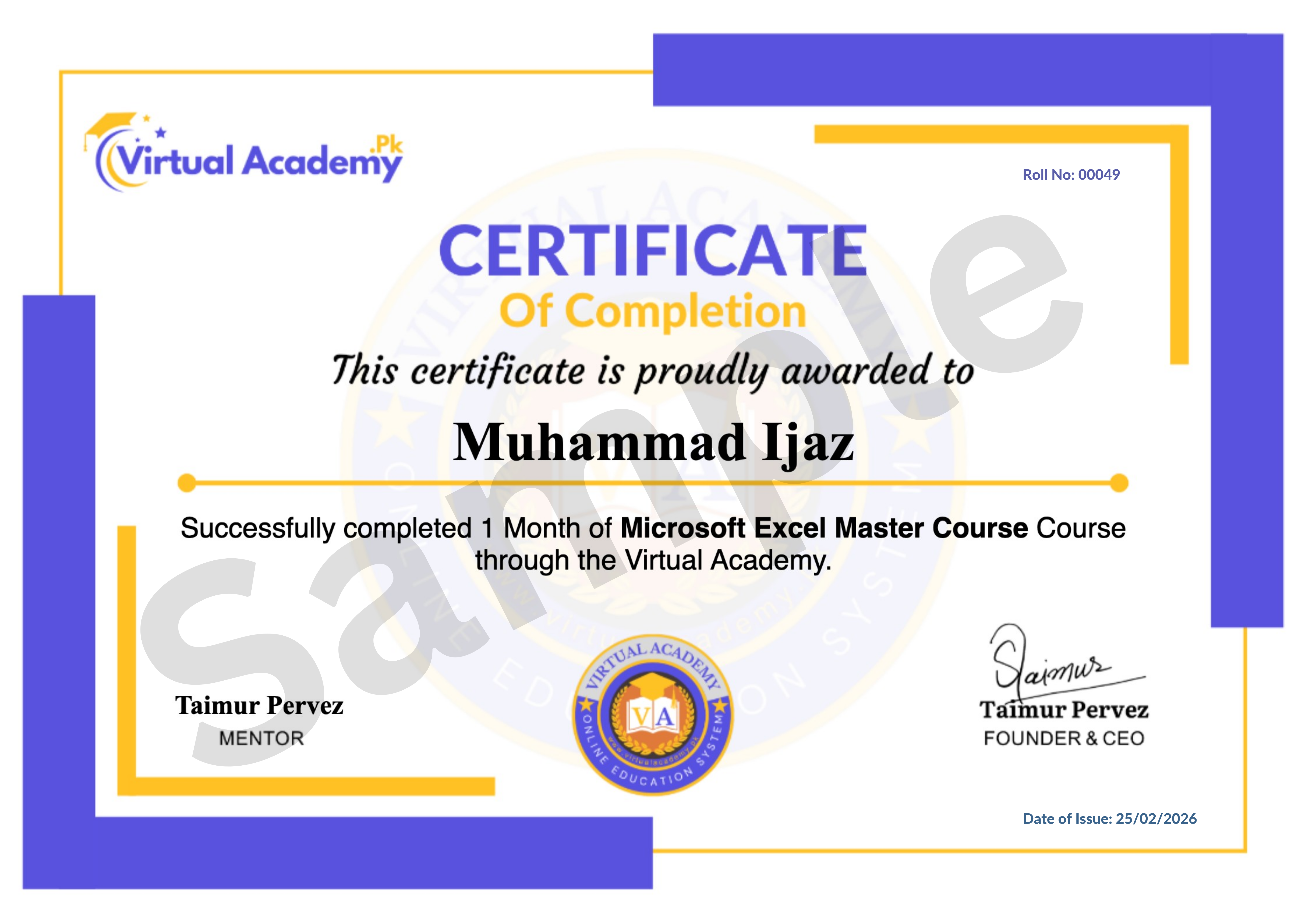
🎓 Certificate / Diploma
This course is hosted on Virtual Academy LMS.
🌐 Website:
After successfully completing the course, you'll receive a Registered Diploma/Certificate that can be added to your:
🏅 Resume
📄 CV
💼 LinkedIn Profile
🌍 Freelancing Portfolio
To receive your certificate, simply:
✅ Complete all course chapters
✅ Pass the quizzes
✅ Submit required assignments or React Material UI projects
Your certificate will then be available for download directly from the LMS.
🚀 Why Choose This Course?
✔ Beginner to Advanced Learning Path
✔ Complete React Material UI Training
✔ Material Design Principles
✔ Responsive Layouts & Components
✔ Dashboard & Admin Panel Development
✔ Theme Customization & Dark Mode
✔ Real-World React Projects
✔ Urdu/Hindi Language
✔ Freelancing Guidance
✔ Lifetime Access
✔ Lifetime Updates
✔ Registered Certificate
✔ Learn at Your Own Pace
📞 Need Help?
If you have any questions regarding the course, enrollment process, or learning path, our team is ready to help.
WhatsApp:
⏱️ We usually respond within 30 minutes to 1 hour during working hours.
🔥 Enroll Today
Material UI is one of the most widely used React component libraries for building professional, responsive, and visually appealing web applications. By mastering MUI, you'll be able to develop high-quality dashboards, admin panels, business applications, and modern user interfaces that meet industry standards.
Start learning today and build a valuable front-end development skill that can help you work on professional React projects, impress employers, or earn online through freelancing.
One-Time Payment • Lifetime Access • Free Lifetime Updates • Registered Certificate
Start your React Material UI journey today with Virtual Academy.
Course Details
- 1. Course Introduction Video
- 2. What is Material UI
-
3. How to Install Material UI in React (Locked) 04:00 Min

-
Chapter 1 Introduction and Setup (Locked)
No Notes available for this chapter
-
1. Typography in Material UI (Locked) 9:10 Min
-
2. Button Component (Locked) 12:00 Min
-
3. Button Group (Locked) 06:17 Min
-
Chapter 2 Typography and buttons (Locked)
No Notes available for this chapter
-
1. Text Field (Locked) 10:52 Min
-
2. Select Dropdown (Locked) 09:30 Min
-
3. Radio Button (Locked) 06:51 Min
-
4. Checkbox (Locked) 06:59 Min
-
5. Switch Control (Locked) 04:04 Min
-
6. Rating Component (Locked) 06:26 Min
-
Chapter 3 Form Controls (Locked)
No Notes available for this chapter
-
1. Box Component (Locked) 03:59 Min
-
2. Stack Component (Locked) 05:08 Min
-
3. Grid Layout (Locked) 07:39 Min
-
4. Card Component (Locked) 07:31 Min
-
5. Accordion (Locked) 09:21 Min
-
6. Image List (Locked) 06:04 Min
-
Chapter 4 Layout and Structure (Locked)
No Notes available for this chapter
-
1. AppBar and Toolbar (Locked) 06:15 Min
-
2. Menu (Locked) 10:44 Min
-
3. Link Component (Locked) 03:53 Min
-
4. Breadcrumbs (Locked) 05:30 Min
-
5. Drawer Navigation (Locked) 06:09 Min
-
6. Bottom Navigation (Locked) 06:05 Min
-
Chapter 5 Navigation Components (Locked)
No Notes available for this chapter
-
1. Avatar Component (Locked) 05:02 Min
-
2. Badge Component (Locked) 04:28 Min
-
3. Chip Component (Locked) 04:53 Min
-
4. Divider Component (Locked) 03:12 Min
-
5. List Component (Locked) 07:10 Min
-
6. Tooltip (Locked) 04:01 Min
-
Chapter 6 Data Display Component (Locked)
No Notes available for this chapter
-
1. Alert Component (Locked) 05:44 Min
-
2. SnackBar Notification (Locked) 08:47 Min
-
3. Dialog Modal (Locked) 05:46 Min
-
4. Progress Indicators (Locked) 03:46 Min
-
5. Skelton Loading Placeholder (Locked) 04:01 Min
-
6. Loading Button (Locked) 05:38 Min
-
Chapter 7 Feedback and Alerts (Locked)
No Notes available for this chapter
-
1. Masonry Layout (Locked) 04:03 Min
-
2. Tabs Component (Locked) 08:20 Min
-
3. Timeline in MUI (Locked) 06:53 Min
-
4. Customizing Material UI Theme (Locked) 06:05 Min
-
Chapter 8 Advanced UI Features (Locked)
No Notes available for this chapter
 Level
Level
 Duration
 Chapters
 Quizzes
 Certifications
 Language